Salvage tycoon · Big game
PORT HAVEN — Ship Salvage GamePlay free online
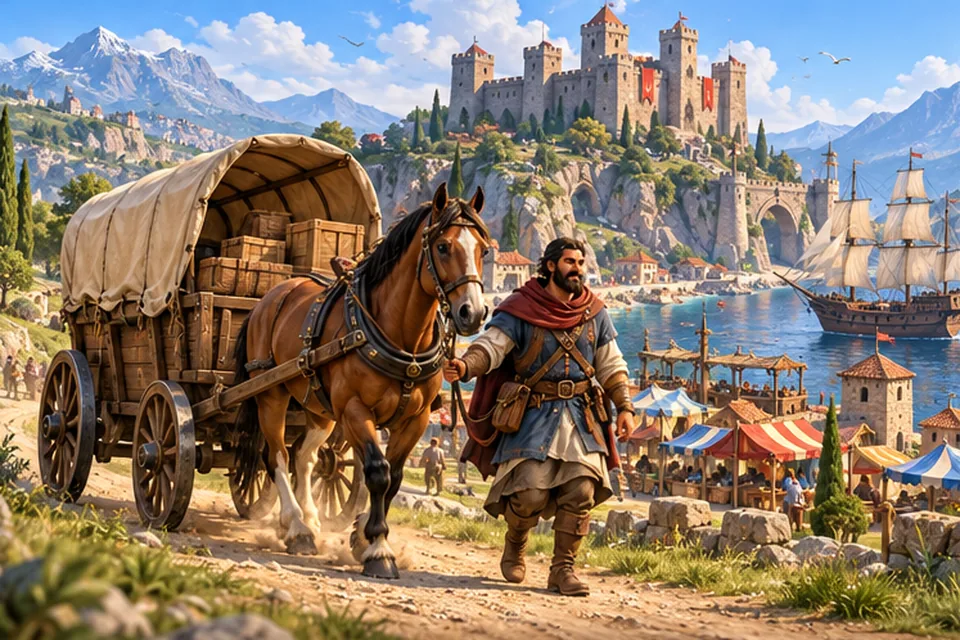
Explore, salvage, restore, trade and grow a sunny Mediterranean harbor town.
- Free
- No download
- Phone: landscape
- 8 languages
About PORT HAVEN
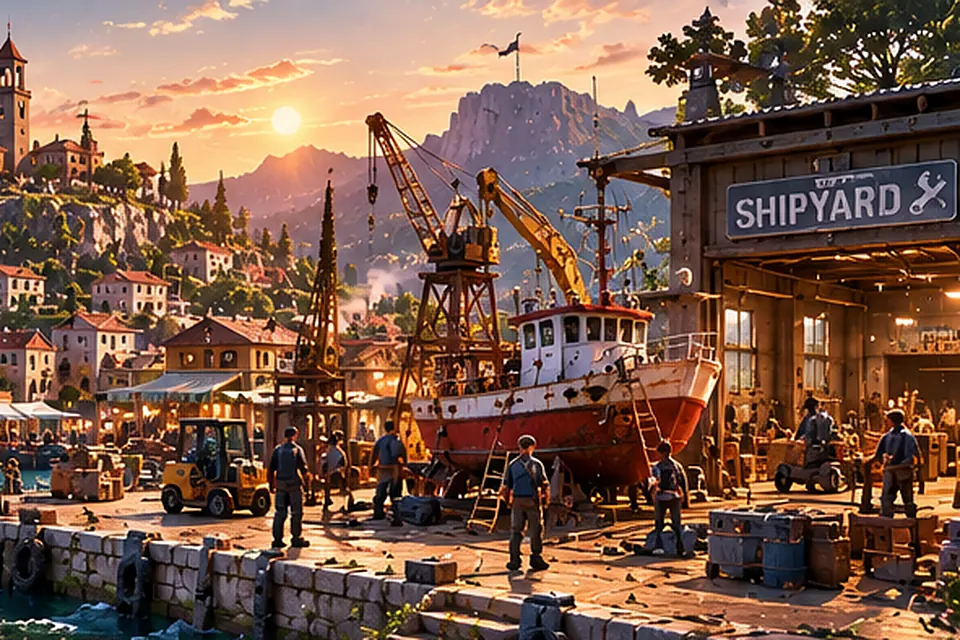
PORT HAVEN is a 3D maritime salvage and harbor-management sim that runs in your browser. You inherit a struggling shipyard in a sunny Mediterranean harbor town: one old salvage boat, a dock, a crane, a warehouse and 2,000 credits. The goal is simple to say and hard to put down: turn rusty wrecks into a thriving harbor business and lift the whole town with it.
Every trip starts at the shipyard. Take the boat out of the harbor, send a sonar ping to find wrecks on the seabed, then lower the tethered drone to see what is inside. Light cargo comes up on the winch, where you keep the cable tension in the safe band so the line does not snap. Heavy engines and whole hulls need the deck crane, lined up carefully before the lift. Cargo is limited by weight and wrecks lie deeper the farther you sail, so upgrading the sonar, winch, crane, drone and hull is what opens new waters.
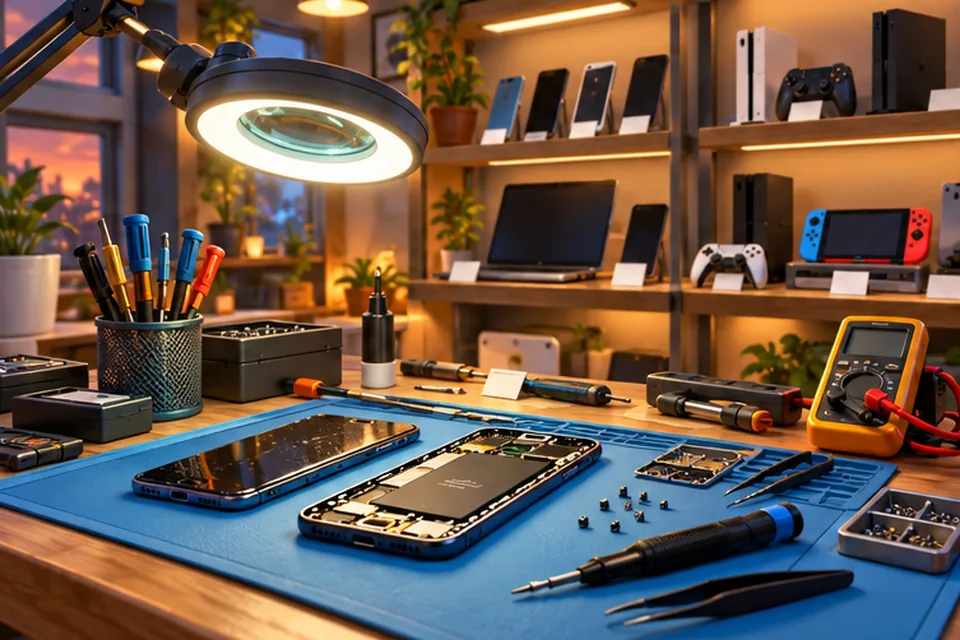
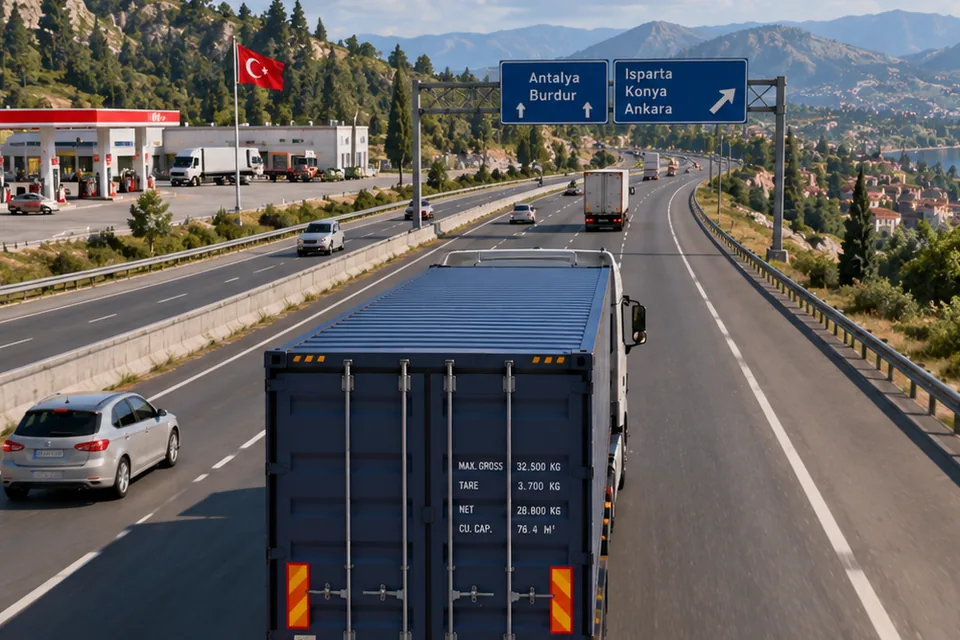
Back at the dock you unload into the warehouse and decide what to do with it: sell scrap iron, copper, aluminum, engines and antiques on a market whose prices move with supply and demand, process scrap into refined goods (not always profitable), fill contracts, or restore a sunken motorboat part by part. Profit pays for new buildings such as the workshop, the processing yard and the market hall, for a crew member who runs salvage jobs while you sail, and for a town that visibly grows: new shops, better roads and more visitors.
A 12-mission intro campaign teaches the whole loop, from inspecting the shipyard to unlocking the processing workshop. Trips are short and your progress is saved in your browser. PORT HAVEN plays on a computer with the keyboard and on a phone with touch controls, and it is available in 8 languages, English included.
How to play
- Press Play, look over the shipyard and undock the boat (E at the dock).
- Sail out into the bay and press Q to ping the sonar for wrecks.
- Send the drone (G) down to a wreck, see what is inside and pick what to bring up.
- Winch up light cargo and crane up heavy parts; keep the cable tension in the green.
- Return to the dock, unload, then sell, process or restore what you found.
- Spend profits on upgrades, new harbor buildings and crew, and grow the town.
Controls
| Action | Keyboard | Mouse | Touch |
|---|---|---|---|
| Throttle / reverse | W / S or Up / Down arrows | n/a | Throttle slider |
| Steer | A / D or Left / Right arrows | n/a | Steering stick |
| Brake | Space | n/a | Brake button |
| Interact (dock, inspect, salvage) | E | n/a | Interact button |
| Sonar ping | Q | n/a | Sonar button |
| Drone | G | n/a | Drone button |
| Map | M | Click the HUD button | Tap the HUD button |
| Camera | C | n/a | Camera button |
| Pause / menu | Esc | Click the HUD button | Tap the HUD button |
Features
- A sunny Mediterranean harbor town with three sea regions to explore
- Sonar scanning, drone wreck inspection, winch and deck-crane salvage
- A dynamic market with prices that follow supply and demand
- Restore a sunken motorboat part by part
- Shipyard buildings such as the workshop, processing yard and market hall
- Hire crew and watch the town visibly grow
- A 12-mission intro campaign
- Touch controls on phones and 8 languages
FAQ
Is PORT HAVEN free to play?
Yes. PORT HAVEN is free to play in your browser, with no account or sign-up.
Do I need to download or install anything?
No. The game runs in your web browser. Open the page, press Play and it starts.
Does it work on my phone?
Yes. Touch controls appear automatically on phones and tablets. A larger screen makes reading the map and sonar easier.
Is my progress saved?
Yes. Progress is saved in your browser on this device. Clearing site data or switching to another device or browser starts a fresh game.
What language is the game in?
It is available in 8 languages: English, Turkish, Spanish, Portuguese, German, French, Japanese and Korean. The Play button on this page opens it in English, and you can switch to another language in the game at any time.