Survival · Big game
WILDSHIFT — Survival GamePlay free online
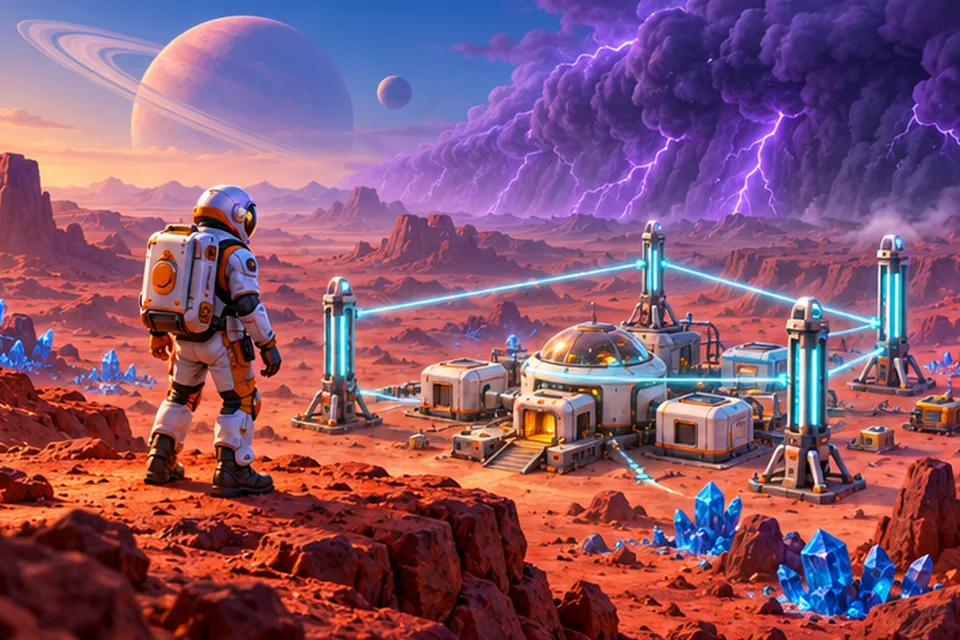
Survive an alien desert world; pylons carve out safety from the storms.
- Free
- No download
- Phone: landscape
- 8 languages
About WILDSHIFT
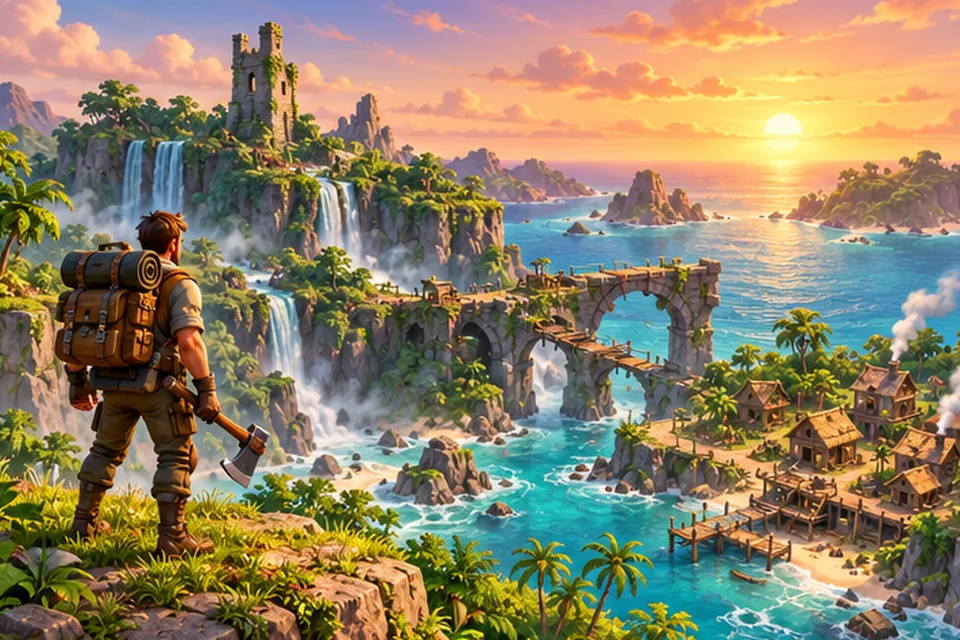
WILDSHIFT is a 2.5D survival game of exploration and base building, set on an alien desert planet swept by energy storms. Between storms the land is calm enough to explore: you gather scrap metal, energy crystals and organic fiber, crack open supply caches and push into the fog to see what is out there. Then the siren starts, a countdown appears, and you need to be somewhere safe before the purple storm rolls in.
Safety is something you build. Your base has a main generator that projects a protected cyan zone. Craft energy pylons and place them within reach of a powered node, and the protected territory spreads across the map. Storms cannot hurt you there and creatures will not follow you in. Everything outside the network is reshaped when a storm ends, with new terrain, fresh resources and new creatures. Generator capacity limits how many pylons you can power, so the real question in every expedition is where to extend safety next.
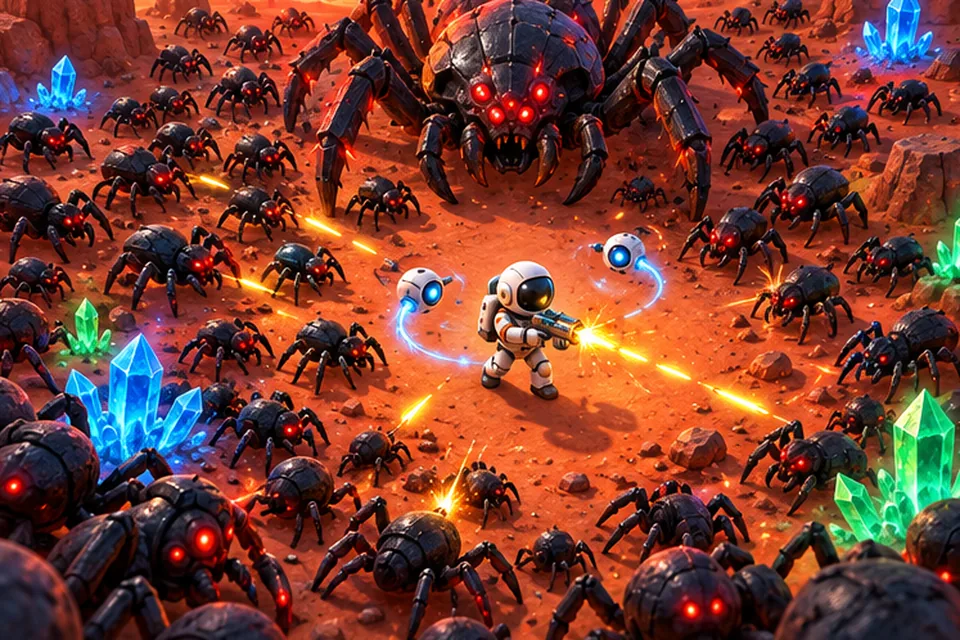
The desert is not empty. Small, fast crawlers roam the open sand, and a large Guardian watches over an ancient ruin some distance from your base. Your energy tool mines resource nodes and also fights, and enemies give a short tell before they attack so you can step back. If you fall, your resources drop in a backpack that you can walk back and recover. Activating the ruin turns its core into a permanent anchor for your network and unlocks a scanner that pings nearby resources and caches.
Upgrades raise your suit energy, inventory size, radar range, generator capacity and pylon limit, and an objective chain guides your first session from a handful of scrap to surviving a storm at the ruin. After that you can keep playing freely. This survival game runs in desktop and mobile browsers with touch controls on phones. The game is available in 8 languages, English included.
How to play
- Collect scrap and crystals by hitting resource nodes with your energy tool.
- Open the crafting menu (C) and craft an energy pylon.
- Enter build mode and place the pylon within range of your base's generator to extend the safe zone.
- Watch the storm timer. When the warning starts, get inside the cyan protected area.
- Bring resources back to base storage and spend them on upgrades (U).
- Head for the ancient ruin, deal with its Guardian and activate the core.
Controls
| Action | Keyboard | Mouse | Touch |
|---|---|---|---|
| Move | W A S D / arrow keys | n/a | Virtual joystick (left) |
| Use tool, mine, attack | Space | Left click (toward the cursor) | Action button (aims at the nearest target) |
| Interact | E | n/a | Action button |
| Sprint | Shift | n/a | Sprint button |
| Inventory / crafting / upgrades | I / C / U | n/a | HUD buttons |
| Map | M | n/a | n/a |
| Scanner (after unlock) | Q | n/a | Scan button |
| Place a structure | n/a | Click a tile in build mode | Tap a tile |
| Pause / cancel | Esc | n/a | Pause button |
Features
- Energy pylon network that turns the map cyan and safe
- Storm cycle with warning countdown; unprotected land is reshaped after each storm
- Three resources and crafted pylons, batteries, generators, storage and suit upgrades
- Crawlers and a ruin Guardian with readable attack tells
- Fog of war, supply caches and a scanner unlock
- Backpack recovery after death instead of losing everything
- Objective chain for the first session, then free play
- Touch controls on phones
FAQ
Is WILDSHIFT free to play?
Yes. WILDSHIFT is free to play in your browser, with no account or sign-up.
Do I need to download or install anything?
No. The game runs in your web browser. Open the page, press Play and it starts.
Does it work on my phone?
Yes. On phones a virtual joystick and action buttons appear automatically. The action button aims at the nearest target for you.
Is my progress saved?
Yes. The game autosaves in your browser on this device about every 30 seconds outside storms and after major events. Clearing site data removes the save.
What language is the game in?
It is available in 8 languages: English, Turkish, Spanish, Portuguese, German, French, Japanese and Korean. The Play button on this page opens it in English, and you can switch to another language in the game at any time.